

Family law in Florida has moved rapidly into the digital age. Today, you are just as likely to face a judge or a mediator through a computer screen as you are to sit in a physical courtroom. Although this creates convenience, it also comes with a whole new set of rules and technicalities.
If you have found yourself in the middle of a divorce or custody hearing, you need to be prepared for your case in a different way than you would be if it were a face-to-face hearing. Everything from ensuring that your internet works to submitting the correct documents is key. This guide provides all you need to know.
Virtual Custody Hearings and Remote Mediation: What You Need to Know
Before your case ever goes to trial, a Florida judge will almost always order you to try mediation. This is a meeting where you and your spouse try to agree on matters such as child custody, child support, and the division of your property. It is designed to save you time, money, and emotional stress by keeping the decisions in your hands rather than leaving them up to a judge.
The rules governing this process are clear. Under the Florida family law rule 12.740, remote technology is fully integrated into the legal system. Courts now officially recognize remote and hybrid formats as normal ways to resolve family disputes. This means you do not have to travel to a physical office to negotiate your case.
When you set up your session, you will need to follow the specific online mediation procedures that the Florida family court systems require.
1. The Written Waiver:
You have a fundamental right to a personal meeting. Both parties must sign a written waiver to officially move the mediation online.
2. Separate Digital Rooms:
Do not worry about being forced to look at your ex-spouse the whole time. Virtual platforms like Zoom allow the mediator to place you and your divorce attorney in a private “breakout room”. The mediator will jump back and forth between your room and your spouse’s room to help negotiate a deal. You only talk to the mediator and your own lawyer during these private sessions.
3. Signing the Deal:
In case you make a decision, it will be recorded and digitally signed. Remote online notarisation (RON) is permitted under Florida law. This means it is legal to sign the Marital Settlement Agreement online. The signed document is then transmitted immediately to the court. The judge approves it after proper evaluation.
Can a Judge Force You to Have a Zoom/WebEx Trial?
A common question parents ask is: “Can a judge order a remote custody/virtual hearing trial over Zoom or WebEx?”
The Short Answer: Yes. The judges in Florida are vested with extensive powers to manage their courtroom proceedings effectively.
If your case falls within the category where the judge believes that conducting a hearing virtually is the most appropriate option, they may direct such a proceeding. The court views this as a way to ensure that cases move forward with minimal delay. Nonetheless, in case your case has complex evidence, numerous witnesses, and even poses safety concerns such as domestic violence, your attorney could request an in-person trial, which would be evaluated on a case-by-case basis.
This would apply mostly to all regular motion hearings, temporary custody applications, and case management conference proceedings. It saves travel time for everyone and keeps the court calendar running smoothly.
Preventing Dropped Technology Connections
Technology is a great source for connecting around the globe. A glitch during a conflicting custody case can cause immense stress. You need to know exactly “what happens if my internet disconnects during a Florida family court hearing?”
Do not pack yourself in trouble by panicking. Judges know that technology fails. Sometimes the video cuts out. The court will usually pause briefly to let you reconnect. If you cannot get back into the video room, the court will try to have you call in by phone so the hearing can proceed.
The judge may proceed without you if you disappear completely and do not try to fix it. This could result in the judge ruling in favor of your spouse. Your absence may be seen as a lack of respect.
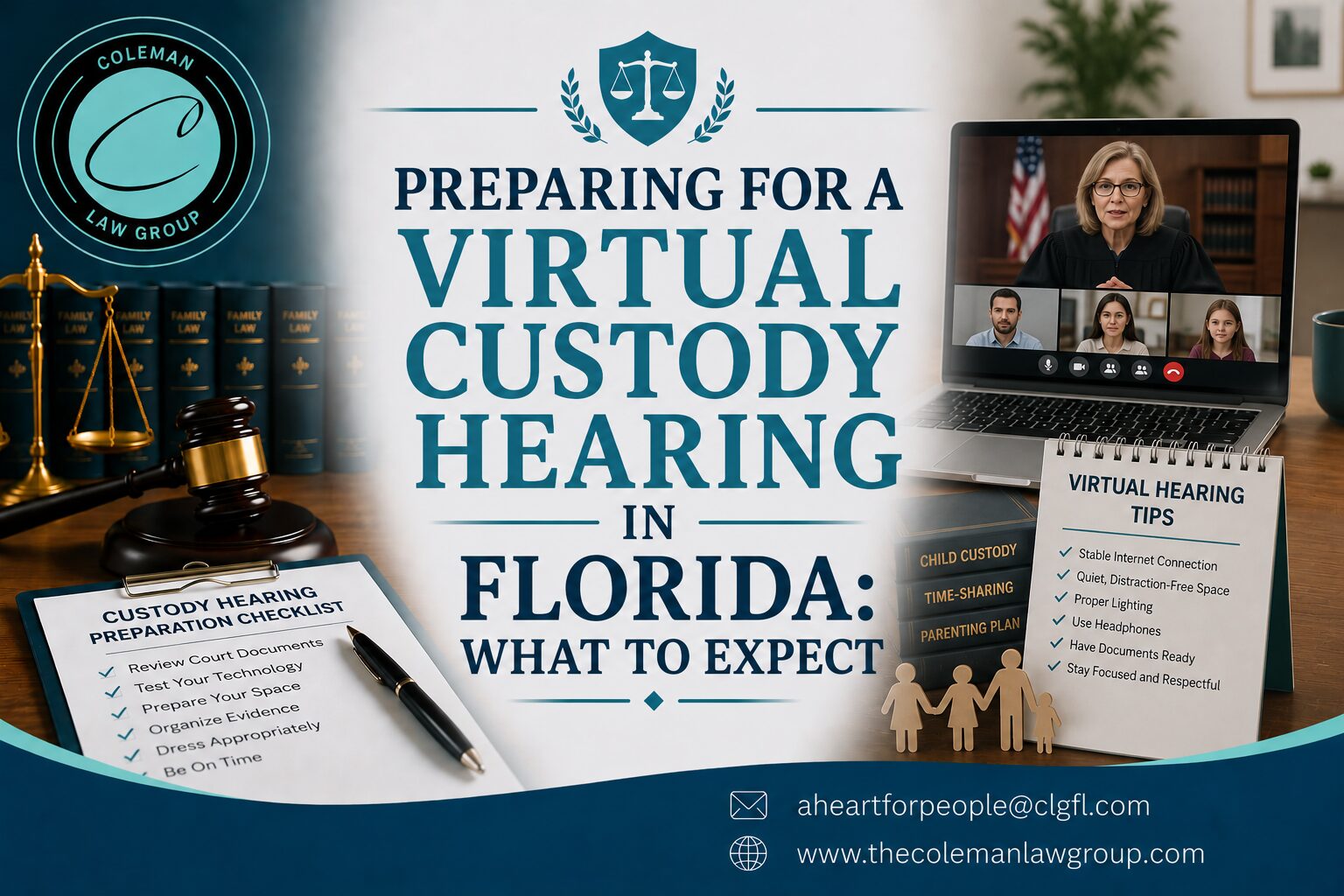
Use this quick checklist to avoid this nightmare:
1. Plug in directly:
Use a wired internet cable if you can. You must use Wi-Fi and sit as close to your internet router as possible.
2. Stop other streaming:
Ask anyone else in your house to stop streaming videos or playing online games during your court time. This keeps your internet bandwidth dedicated entirely to your hearing.
3. Backup plan:
It is always important to have a plan B. Write down the phone meeting ID on a piece of paper next to you. You can quickly dial in with your phone if your computer dies.
4. Know the court’s contact:
Have the judge’s assistant’s email or phone number ready. If you get completely locked out, you need to notify them immediately.
5. Test your device:
Run a test call on Zoom or WebEx the day before. Make sure everything is working perfectly on your system. This can include the microphone and camera.
How to Maintain a Good Courtroom Decorum?
A virtual courtroom is still a real courtroom. Penalties for rule violations will be the same as if you are physically present in the courtroom. Your conduct in front of the camera reveals your seriousness to the judge about your proceedings.
A. Choose a Professional Attire
Most people end up wearing inappropriate clothes. They feel that being at home doesn’t require good attire. They mostly ask “what I will wear to a virtual child custody proceeding in Florida”. The answer is easy. Dress as if you are entering a physical courtroom.
- Men: A formal attire with a tie and blazer.
- For Women: A professional saree or a suit paired with a formal jacket.
Avoid casual clothes and athletic wear. Do not prefer loud patterns or bright jewelry. This can distract the judge on screen. Dressing well shows the judge that you respect the court and take your parental duties seriously.
B. Your Video Background
Your physical surroundings speak volumes to a family law judge. You must strictly follow the Zoom court background rules set by the Florida circuits.
- Choose a plain wall:
Try to find a solid colored wall if you can. A neutral color can present everything more clearly - Keep your room clean:
Make sure the camera does not show messy rooms. A dirty room can give the wrong impression about your lifestyle. This represents your ability to provide a clean home for your children. - No virtual backgrounds:
Do not use filter backgrounds. Some people use highly blurred digital filters. Avoid this mistake unless the judge explicitly asks you to blur your background. Fake backgrounds can look unprofessional. - Control background noises:
Keep children and pets out of the room. Turn off the television and lock your doors. Silence your smartphone notifications so they do not beep during your meeting.
Handling Evidence Digitally
In a traditional trial, you hand paper documents to the bailiff, who gives them to the judge. In a virtual trial, you must use the e-filing portal family law exhibits system to upload everything before the day of your hearing.
Every judicial circuit in Florida has strict deadlines for evidence. It is important to submit your photos and text messages at least 2 to 10 days before the hearing starts. The judge may refuse to consider your proof if you miss the deadline.
Essential Rules for Digital Exhibits:
-
Format as PDFs:
Convert every single piece of paper or screenshot into a separate PDF file. This ensures the document looks the same on the judge’s computer as it does on yours.
-
Mark them clearly:
You must label your files properly for both the petitioner and the respondent. Use different labels for identification.
-
Protect private data:
You must obscure or erase social security numbers and children’s dates of birth before uploading them. Failing to do this can get your evidence thrown out or cause legal trouble.
-
Share with the other side:
You cannot surprise your spouse with evidence during a Zoom call. Whatever you upload to the portal must also be sent directly to your spouse or their attorney within the required timeframe.
Practical Tips for Virtual Custody Hearing Testimony
If you have hired a child custody lawyer in Florida, they will help prepare you for the witness stand. However, speaking on camera requires specific habits to ensure your voice is heard clearly:
- Look at the camera, not the screen:
When you answer a question, look directly into your webcam, not at the judge’s face on your monitor. This creates eye contact and makes your testimony feel more direct and honest. - Do not interrupt:
Audio lags happen easily online. Wait for two seconds after answering. You need to pause. It helps to ensure that you will not interrupt the judge or any other attorney. - Mute your microphone:
Mute the mic when it is not your turn to talk. This will ensure there are no disruptions to the proceedings. These disruptions can be a barking dog or a passing truck. - Never look at outside notes:
Do not read from a script or look at off-camera notes while testifying. The judge will notice your eyes moving and may think someone is feeding you answers. - Stay calm and composed:
The camera captures every minor facial expression closely. Do not roll your eyes when the lawyer is speaking.
Partnering with the child custody lawyer at Coleman Law Group
Navigating the digital landscape of Florida family law is challenging. The Florida family law rule 12.740 remote technology guidelines are complex. The small procedural errors in the rule can hurt your custody case. You do not have to handle this high-stakes shift alone.
At Coleman Law Group, we know that remote hearings and electronic mediation can feel overwhelming. Our legal team is fully equipped to protect your rights in the digital world. Working with a seasoned child custody lawyer and virtual hearings specialist from our firm ensures your digital files are formatted correctly, your rights are protected during video cross-examinations, and your evidence is uploaded securely through the e-filing portal and family law exhibits system.
Having a skilled divorce attorney or an online mediation expert in Florida by your side during negotiations can mean the difference between a fair settlement and an unfavorable agreement. We are here to handle the technology and legal strategy so you can focus on your family’s future.
Don’t let technical issues or digital filing errors compromise your custody or divorce case. Contact Coleman Law Group today at (727-214-0400) or via email at aheartforpeople@clgfl.com to schedule a consultation and ensure your case is prepared for success, both in and out of the digital courtroom.